

Route every booking into the right care pathway.
Ambulant+ booking flows are designed to direct patients, clinicians, partners and enterprise teams into the right workspace — consultation, home diagnostics, medicine fulfilment, onboarding or platform demo.
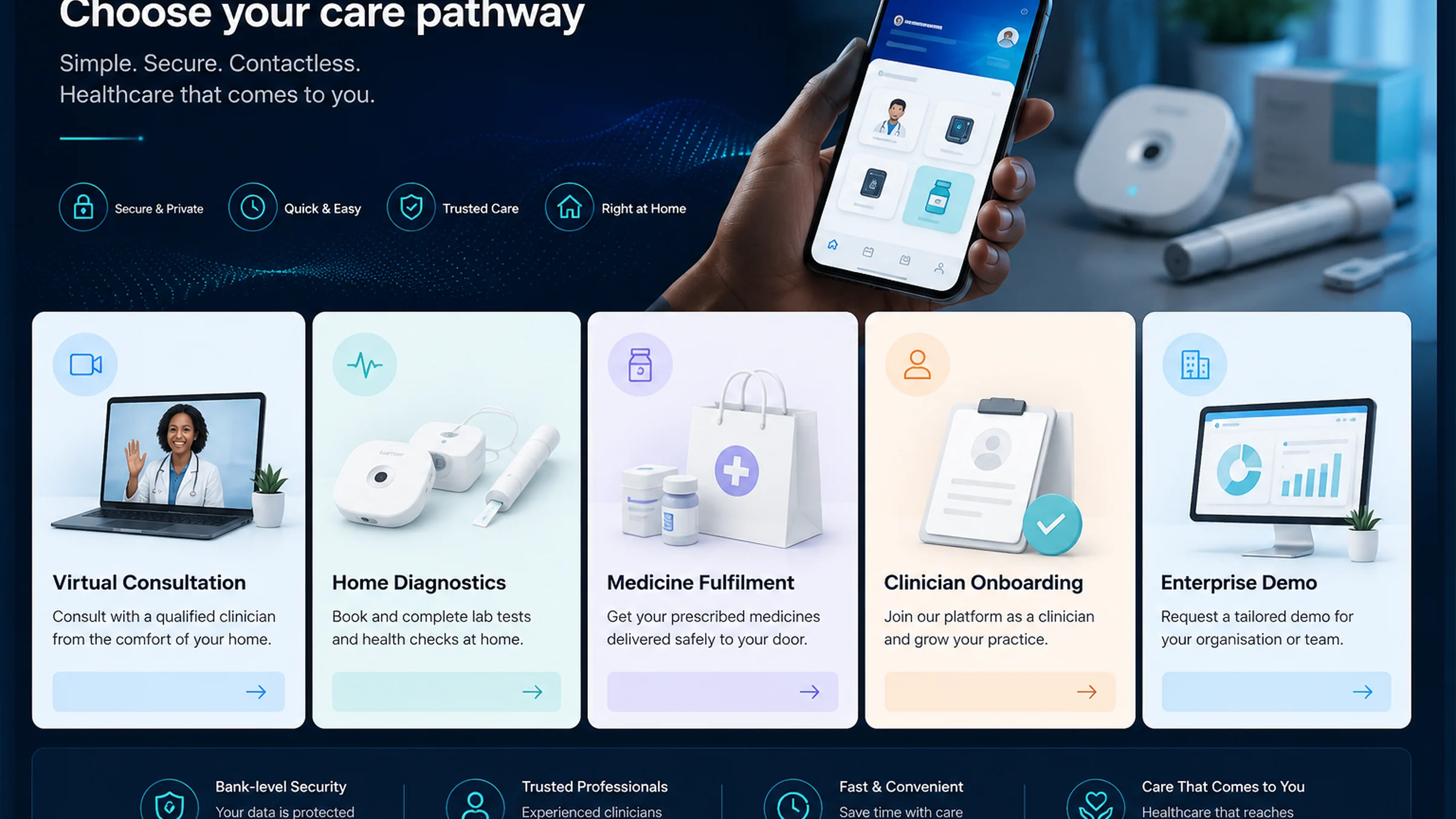
Every request should land in the correct operational lane.
The booking experience should reduce confusion by separating clinical, diagnostic, fulfilment and enterprise actions.
Choose pathway
Select consultation, home diagnostics, medicine fulfilment, clinician onboarding, partner onboarding or enterprise demo.
Confirm eligibility
Collect the minimum required context for the selected pathway without unnecessary friction.
Route workspace
Send the request to the correct protected app, operational team or partner workflow.
Schedule
Coordinate timing, availability, location and service requirements for the selected pathway.
Prepare
Surface instructions, readiness steps, consent prompts, payment details or partner requirements.
Complete
Close the workflow with confirmation, documentation, follow-up, fulfilment or escalation where needed.
A booking surface for the whole ecosystem.
Bookings should serve patients seeking care, clinicians joining the platform, partners coordinating services and enterprise teams requesting structured walkthroughs.
Consultation booking enquiries for supported virtual and contactless-care pathways.
MedReach home diagnostics requests where home collection is appropriate.
CarePort medicine fulfilment and delivery coordination routes.
Clinician onboarding, partner onboarding and enterprise demo pathways.
Patient consultation enquiry
For patients who want to start a supported care request, virtual consultation or device-linked pathway.
Clinician onboarding
For clinicians who want to join Ambulant+, complete readiness steps and prepare for Contactless Medicine workflows.
Enterprise demo
For medical aids, HMOs, employers, sponsors, investors and enterprise teams evaluating Ambulant+.
MedReach diagnostics
For laboratories, phlebotomy teams and partners interested in home diagnostics and specimen workflows.
CarePort fulfilment
For pharmacies, riders and fulfilment teams reviewing eRx, dispatch, delivery and proof-of-delivery operations.
Partnership enquiry
For organisations that want to explore deployment, integration, distribution, research or commercial collaboration.
Enter the right Ambulant+ workspace.
Ambulant+ separates public information from protected workspaces, giving patients, clinicians, pharmacies, diagnostics teams, clients and administrators a role-appropriate route into the platform.